

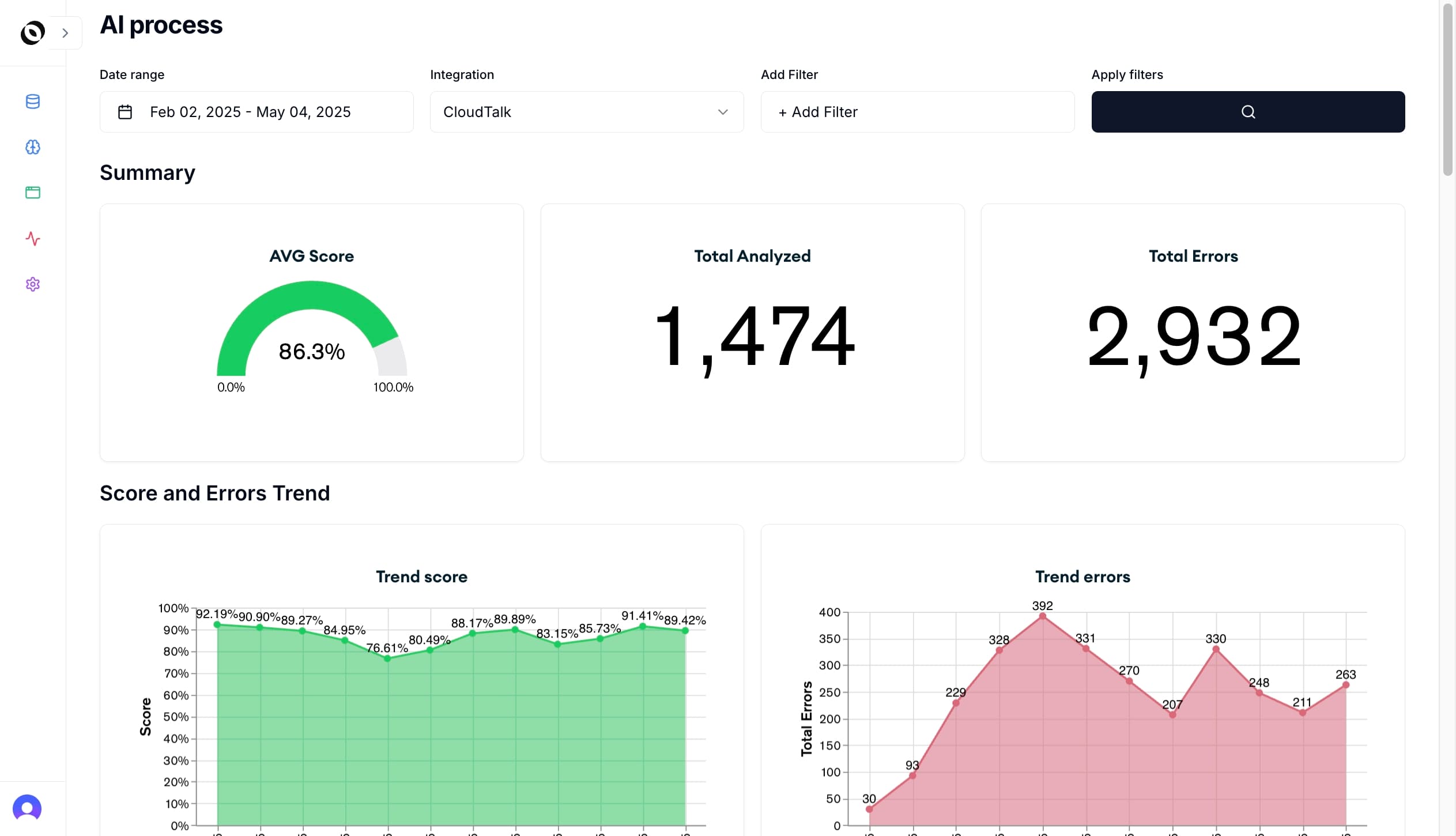
CX QA prompts help support teams turn customer conversations into structured quality, sentiment, and coaching signal.
The right prompt can summarize what happened, evaluate whether the agent followed the expected process, detect customer frustration, classify the issue, identify root cause, and recommend a next action. The wrong prompt produces a generic summary that looks useful but cannot drive QA, coaching, or operational change.
This guide gives CX leaders, QA managers, and support operations teams a practical prompt library for analyzing calls, chats, emails, tickets, WhatsApp threads, and AI-agent conversations.
Quick Answer: What Is a CX QA Prompt?
A CX QA prompt is an instruction used with an AI model to evaluate a customer interaction against quality criteria. A strong prompt includes the interaction transcript, the quality standard, the expected output format, and rules for evidence, uncertainty, and escalation.
For example, instead of asking "Was this a good support conversation?", a CX QA prompt should ask the model to score resolution, empathy, accuracy, compliance, sentiment, topic, root cause, and coaching evidence with quotes from the conversation.
That structure is what separates AI-assisted QA from a simple transcript summary.
Before You Use These Prompts
Treat prompts as evaluation design, not magic text.
Before using a model to analyze CX QA, define:
- The channel: phone, chat, email, ticket, WhatsApp, or AI-agent conversation
- The customer intent or contact reason
- The QA criteria that matter to your business
- The policies or knowledge sources the agent should follow
- The output format your QA team can review
- The escalation rules for compliance, legal, safety, churn, or VIP risk
- The confidence threshold for human review
If you skip that context, the model may produce fluent but weak analysis.
For a broader platform evaluation model, read How to Evaluate a QA Platform for Your Contact Center in 2026.
12 CX QA Prompts for Customer Support Analysis
Use these as starting points. Replace bracketed fields with your own transcript, scorecard, policies, and customer context.
1. Conversation Summary Prompt
Use this when you need a reliable summary before QA scoring.
Analyze this customer support interaction.

Return:
1. Customer issue in one sentence
2. Customer goal
3. Agent action taken
4. Final outcome
5. Open questions or unresolved items
6. Evidence from the transcript

Rules:
- Do not infer facts not present in the transcript.
- If the outcome is unclear, say "unclear."
- Keep the summary operational, not narrative.

Transcript:
[paste transcript]
2. QA Scorecard Evaluation Prompt
Use this to score a conversation against defined QA criteria.
Evaluate the interaction against this QA scorecard:
[paste scorecard criteria and scoring scale]

Return a table with:
- Criterion
- Score
- Pass/fail
- Evidence quote
- Reasoning
- Confidence

Rules:
- Only score what can be supported by the transcript.
- Mark "not applicable" when a criterion does not apply.
- If evidence is missing, do not award full credit.

Transcript:
[paste transcript]
This prompt works best when your scorecard is clear enough that two human reviewers would reach similar conclusions. If your scorecard is ambiguous, AI scoring will expose that ambiguity quickly.
3. Customer Sentiment Prompt
Use this to understand the customer experience, not only the agent behavior.
Analyze customer sentiment across the interaction.

Return:
- Starting sentiment
- Ending sentiment
- Sentiment change
- Frustration signals
- Trust signals
- Escalation risk
- Evidence quotes
- Likely reason for sentiment change

Rules:
- Separate customer emotion from agent performance.
- Consider resolution status and topic context.
- Do not classify polite language as positive if the issue remains unresolved.

Transcript:
[paste transcript]
For more detail on this signal, read Customer Support Sentiment Analysis Software: What to Look For in 2026.
4. Topic Classification Prompt
Use this to classify contact reasons and support themes.
Classify this interaction using the taxonomy below.

Taxonomy:
[paste topic taxonomy]

Return:
- Primary topic
- Secondary topic
- Detailed subtopic
- Emerging topic if none fits
- Confidence
- Evidence

Rules:
- Use the taxonomy when it fits.
- Suggest a new topic only when existing labels are inadequate.
- Explain why the chosen topic is better than nearby alternatives.

Transcript:
[paste transcript]
This is useful when manual tags are inconsistent. See Topic Classification for Customer Support for a practical guide.
5. Root Cause Analysis Prompt
Use this when the goal is to move beyond QA scores into operational improvement.
Identify the root cause of the customer's issue.

Return:
- Customer-facing problem
- Likely root cause category: product, policy, process, billing, logistics, agent behavior, automation, documentation, or unclear
- Evidence
- Team that likely owns the fix
- Recommended next action
- Whether this appears preventable

Rules:
- Do not blame the agent unless the transcript supports it.
- Distinguish symptoms from root causes.
- If root cause is not knowable from the transcript, say so.

Transcript:
[paste transcript]
Root cause is where Voice of Customer becomes operational. Without it, teams can describe customer pain but cannot fix it.
6. Coaching Opportunity Prompt
Use this to turn QA findings into supervisor-ready coaching.
Find coaching opportunities in this interaction.

Return:
- One strength
- One improvement opportunity
- Coaching category
- Evidence quote
- Suggested coaching note to the agent
- Practice recommendation
- Whether this should be coached now or monitored

Rules:
- Be specific and behavior-based.
- Do not coach personality traits.
- Tie recommendations to customer outcome.

Transcript:
[paste transcript]
7. Compliance and Risk Prompt
Use this for regulated workflows, sensitive topics, and high-risk support motions.
Review this interaction for compliance and customer risk.

Check for:
[paste required disclosures, prohibited claims, escalation rules, privacy rules, refund policy, or regulated language]

Return:
- Risk type
- Severity: low, medium, high, critical
- Evidence quote
- Policy or rule involved
- Recommended escalation
- Whether human review is required

Rules:
- Flag uncertainty.
- Do not clear a risky interaction without evidence.
- Prioritize customer safety, privacy, legal, and brand risk.

Transcript:
[paste transcript]
8. Resolution Quality Prompt
Use this when FCR, repeat contact, or unclear next steps are a problem.
Evaluate resolution quality.

Return:
- Was the customer issue resolved?
- Was the next step clear?
- Did the agent confirm understanding?
- Is repeat contact likely?
- What evidence supports the outcome?
- What would have improved resolution?

Rules:
- Separate "agent responded" from "customer issue resolved."
- Mark resolution as partial when the customer leaves with dependency or ambiguity.

Transcript:
[paste transcript]
9. Empathy and Communication Prompt
Use this to evaluate human quality signals without over-weighting tone.
Evaluate empathy and communication quality.

Return:
- Did the agent acknowledge the customer's concern?
- Did the agent use clear language?
- Did the agent avoid blame or defensiveness?
- Did the agent adapt to customer emotion?
- Evidence quotes
- Score from 1 to 5 with rationale

Rules:
- Do not reward generic empathy phrases unless they fit the context.
- Prioritize clarity, ownership, and customer confidence.

Transcript:
[paste transcript]
10. AI-Agent QA Prompt
Use this for conversations handled by bots, copilots, or LLM agents.
Evaluate this AI-agent conversation.

Check:
- Accuracy
- Grounding in approved knowledge
- Hallucination risk
- Brand safety
- Policy adherence
- Escalation or handoff quality
- Customer outcome

Return:
- Pass/fail by criterion
- Evidence
- Risk level
- Whether human review is required
- Suggested fix to knowledge, prompt, policy, or workflow

Transcript:
[paste transcript]
For AI-agent governance, see CX Observability for AI Agents.
11. Calibration Prompt
Use this to compare AI scoring with human QA.
Compare the human QA evaluation with the AI QA evaluation.

Inputs:
Human evaluation:
[paste human evaluation]

AI evaluation:
[paste AI evaluation]

Transcript:
[paste transcript]

Return:
- Criteria where scores agree
- Criteria where scores differ
- Likely reason for disagreement
- Which evaluation is better supported by evidence
- Scorecard wording that may need clarification
- Recommended calibration decision
Calibration is essential. If the model and reviewers disagree, the answer is not always "the model is wrong." Sometimes the rubric is unclear.
12. Executive Insight Prompt
Use this to summarize patterns across many interactions.
Analyze this batch of customer support interactions.

Return:
- Top 5 customer issues
- Sentiment drivers
- QA criteria most often missed
- Root causes by owning team
- Compliance or brand risks
- Coaching themes
- Recommended executive actions

Rules:
- Include counts or percentages when available.
- Separate confirmed trends from hypotheses.
- Link each insight to representative evidence.

Interactions:
[paste structured summaries or transcripts]
Best Practices for CX QA Prompts
The best prompts share five qualities.
Ask for evidence
Every score should include transcript evidence. Without evidence, reviewers cannot trust the output or use it for coaching.
Use structured outputs
Tables, JSON-like fields, and fixed labels make AI QA easier to review, compare, and operationalize.
Include uncertainty
The model should say when the transcript does not contain enough evidence. This is critical for compliance, resolution, and root cause analysis.
Keep QA and VoC connected
QA measures whether the standard was followed. VoC measures what the customer experienced. Strong CX programs analyze both on the same interaction record.
Route findings into work
A prompt is only useful if the output changes something: a coaching queue, product alert, policy review, escalation, QA calibration session, or AI-agent fix.
Where Oversai Fits
Oversai turns CX QA prompts into a repeatable operating system.
Instead of manually pasting transcripts into a model, Oversai helps teams evaluate customer interactions with AutoQA, Voice of Customer, sentiment analysis, topic classification, coaching evidence, and CX observability across channels.
That matters because prompts alone do not solve the hardest parts of QA:
- Connecting to every conversation source
- Applying the same rubric consistently
- Calibrating AI and human reviewers
- Showing evidence for every score
- Linking QA to sentiment, topics, and outcomes
- Routing insights to supervisors, product, operations, compliance, and AI-agent owners
Prompts are a strong starting point. A production QA program needs workflow, governance, and observability around them.
Frequently Asked Questions
What are CX QA prompts?
CX QA prompts are instructions used with AI models to analyze customer support interactions for quality, sentiment, resolution, compliance, topics, root cause, coaching opportunities, and customer outcomes.
Can I use ChatGPT for customer support QA?
You can use ChatGPT or another model to prototype QA analysis, but production QA needs secure data handling, consistent scorecards, evidence tracking, calibration, workflow routing, and integration with support systems.
What should a customer support QA prompt include?
A good customer support QA prompt should include the transcript, QA criteria, scoring scale, policy context, output format, evidence requirements, and rules for uncertainty or human escalation.
How do CX QA prompts help with AutoQA?
CX QA prompts define what the AI should evaluate. AutoQA platforms turn those evaluation rules into repeatable scoring across 100% of interactions, with dashboards, review queues, calibration, and coaching workflows.
Should QA prompts analyze sentiment too?
Yes. QA and sentiment should be analyzed together because agent process quality and customer experience are related but not identical. A conversation can follow the process and still leave the customer frustrated.
How does Oversai use AI for QA analysis?
Oversai uses AI to evaluate support interactions against quality criteria, classify topics, analyze sentiment, detect risks, surface coaching evidence, and connect QA findings to CX observability workflows.
If your team is experimenting with CX QA prompts, the next step is to turn the best prompts into a governed AutoQA workflow. Talk to Oversai to see how QA, VoC, and observability work together on real customer conversations.